Edit BIM models with your own AI subscription
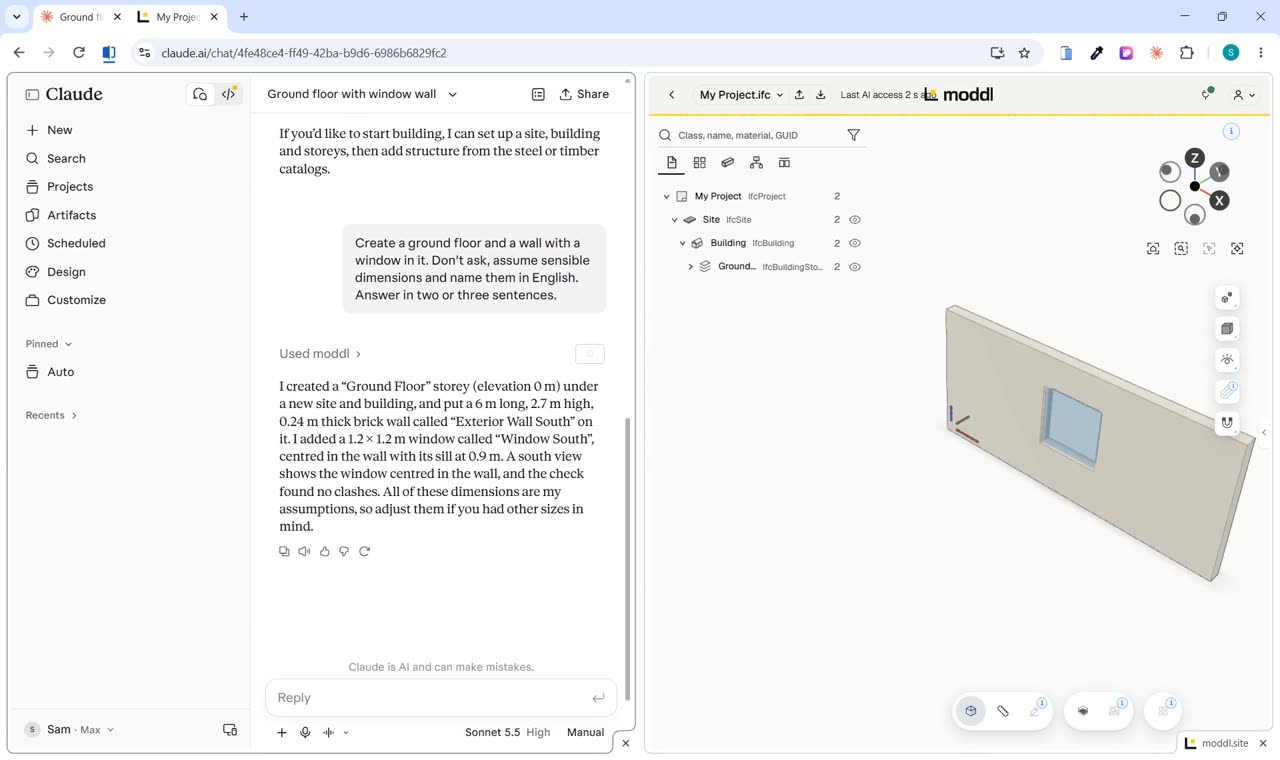
moddl brings no AI of its own. You connect the AI you already use, such as Claude or ChatGPT, through the account you already have. That AI then reads and changes the model you have open in the moddl viewer.
01Which AI you can connect
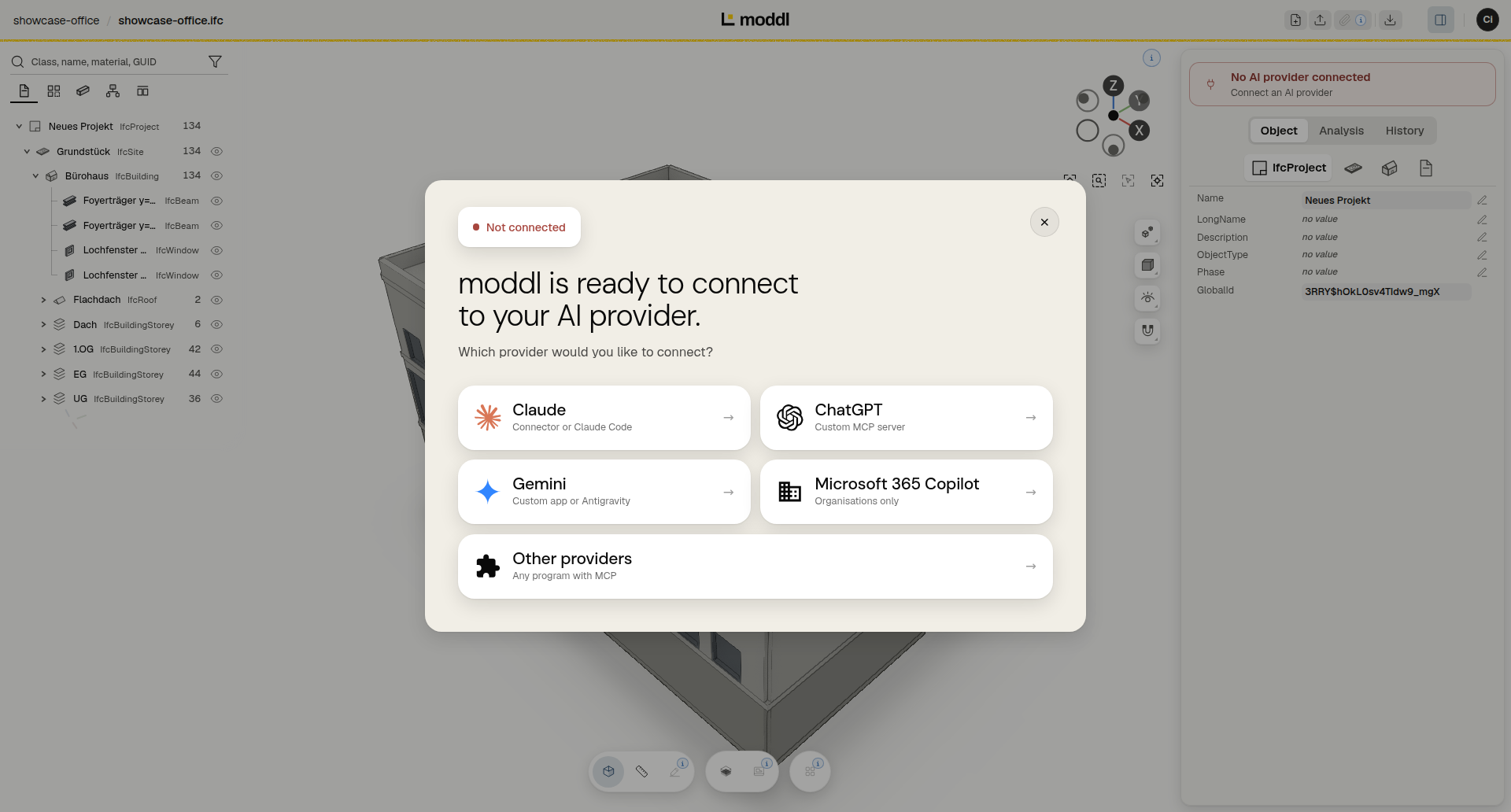
You connect Claude, ChatGPT and Gemini yourself. Microsoft 365 Copilot is set up by your organisation’s IT. Add to that any other program that speaks MCP, the open Model Context Protocol.
moddl itself contains no language model. It gives your AI tools for the IFC model: find elements, measure quantities, check for clashes, change and create elements. moddl does the arithmetic.
Your AI is subject to your provider’s terms. Claude connects on the free plan too.
02How your AI signs in
Claude, ChatGPT and Gemini sign in to moddl over OAuth. moddl opens in your browser and asks whether this program may work on your model. You accept the terms and click “Allow”.
With a moddl account, the permission stays until you revoke it in your account. Without an account, for example on the sample model, the AI works in the browser where you allowed it. Once every moddl tab there is closed, it continues only after you open moddl again.
If your program only knows API keys or tokens, create an access key in the dashboard with a free account.
Step by step: Connect Claude and Connect ChatGPT.
03What the AI gets to see
The AI does not read your IFC file. It gets the answers to its requests and the reports on its changes.
These answers may contain content from the model, such as element names and properties. Where the model holds details about people, those too. They go to the provider you choose. It processes them under its own responsibility, according to its privacy policy.
Every change creates a new version. If you don’t like a result, restore the version before it in the viewer.
04What moddl receives
moddl receives the calls the AI makes to moddl, such as search terms, values and scripts. moddl does not receive the history of your conversation.
To analyse how the tools are used, moddl records no model contents and no texts that you or the AI enter. Details are in the privacy policy.
Frequently asked questions
What are the requirements?
You need an AI assistant with MCP support, for example Claude or ChatGPT. ChatGPT can also be used on the free plan. You connect it with your own account, without an API key: Edit BIM with your own AI subscription.
Is a moddl account required?
Not for the sample model. To upload your own models, you need a free account.
What does it cost?
During the beta phase, expected to run until June 30, 2027, moddl is free of charge. We will usually announce the end of the beta at least two weeks in advance. Your AI assistant is subject to your provider's terms.
Where and for how long is my data stored?
Models are stored in Germany, and the application is operated in Nuremberg (Germany). If you work on the sample model without an account, nothing is stored permanently: your model stays on the server for up to 24 hours after last use and is then deleted. Further information is available in the privacy policy.
Which IFC versions are supported?
IFC4 and IFC4X3. Files in IFC2X3 format are converted automatically on upload.
Can I use the result in my BIM software?
Yes. You can export the model as an IFC file at any time. moddl writes only the parts that changed; all other values are preserved unchanged.